
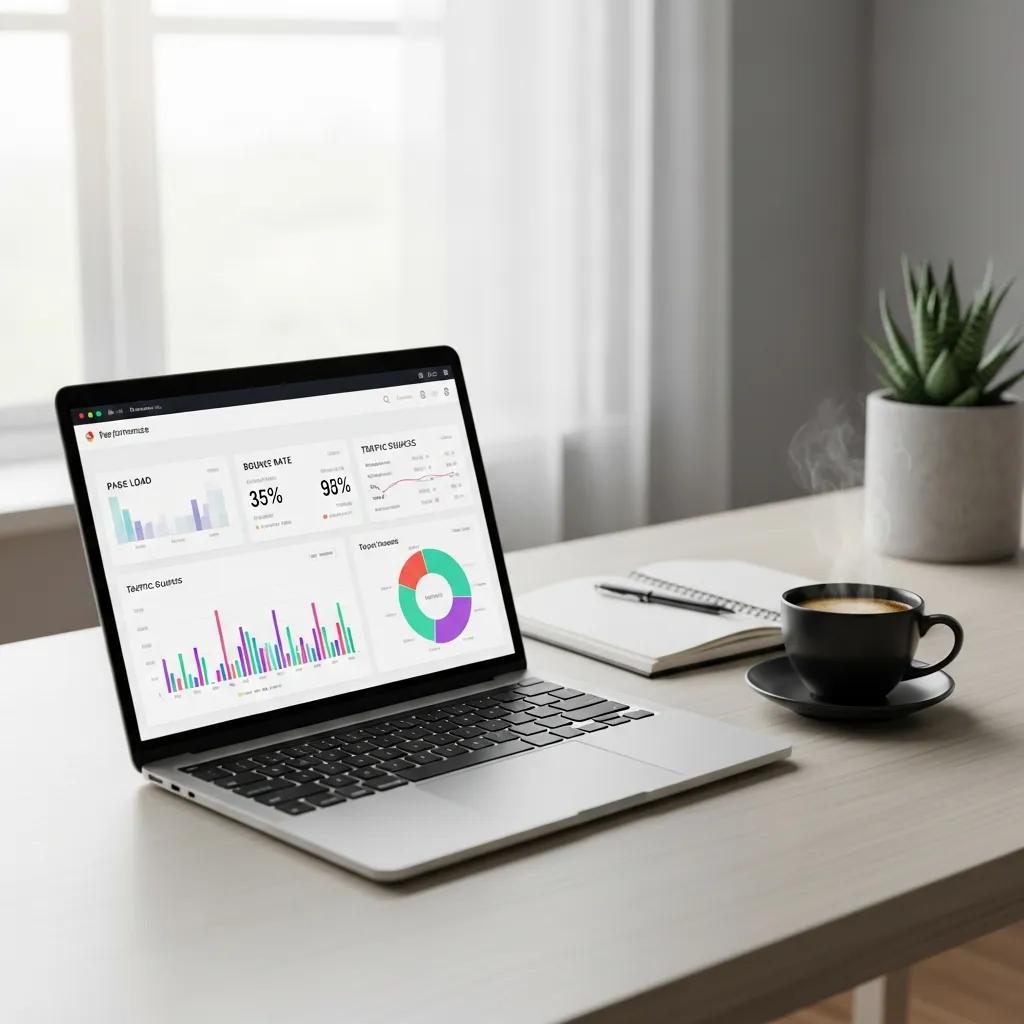
Mastering Core Web Vitals Optimization for Improved SEO and User Experience in 2026
In the ever-evolving digital landscape, mastering Core Web Vitals has become essential for enhancing both SEO performance and user experience. Core Web Vitals are a set of specific factors that Google considers important in a webpage’s overall user experience, focusing on loading performance, interactivity, and visual stability. This article will delve into the significance of these metrics, how they impact SEO, and practical strategies for optimization. Many website owners struggle with slow loading times and poor user engagement, which can lead to higher bounce rates and lower search rankings. By understanding and implementing effective Core Web Vitals strategies, businesses can significantly improve their online presence. We will explore the definitions of Core Web Vitals, optimization techniques for Largest Contentful Paint (LCP), Interaction to Next Paint (INP), and Cumulative Layout Shift (CLS), as well as the tools available for monitoring these metrics.
Indeed, comprehensive research highlights how web performance tools are crucial for measuring and optimizing these key performance indicators, directly impacting user experience and business success.
Optimizing Core Web Vitals for UX & SEO with Performance Tools
In today’s digital landscape, optimizing web performance has become paramount for businesses to succeed online. This paper delves into the significance of web performance tooling in measuring and optimizing key performance indicators (KPIs) known as “web vitals.” These tools help evaluate critical metrics like Largest Contentful Paint (LCP) and First Input Delay (FID), which directly impact user experience. The paper investigates the importance of optimizing core web vitals like LCP and FID and their impact on key metrics suchs as bounce rate, conversion rate, and time on site. Studies show even small delays in LCP, CLS and FID can negatively affect these business metrics. Overall, the research highlights how web performance tooling plays a crucial role in measuring site speed, resource optimization, and vital KPIs, emphasizing the need to optimize core vitals to enhance user experience and online business performance.
Web performance tooling and the importance of web vitals, MK Dobbala, 2022
What Are Core Web Vitals and Why Do They Matter for SEO and User Experience?
Core Web Vitals are a set of metrics that measure the user experience of a webpage, focusing on three key aspects: loading performance, interactivity, and visual stability. These metrics are crucial because they directly influence how users perceive a website’s performance and can significantly impact search engine rankings. Google has integrated these metrics into its ranking algorithms, making it essential for website owners to prioritize them.
What Are LCP, INP, and CLS Metrics?
Largest Contentful Paint (LCP), Interaction to Next Paint (INP), and Cumulative Layout Shift (CLS) are the three primary metrics that define Core Web Vitals.
- LCP measures loading performance, specifically how quickly the largest content element on the page loads. A good LCP score is 2.5 seconds or less.
- INP assesses interactivity by measuring the latency of all user interactions throughout the page lifecycle. This metric has replaced First Input Delay (FID) and aims for a score of 200 milliseconds or less.
- CLS evaluates visual stability by tracking unexpected layout shifts during page loading. A CLS score of 0.1 or less is considered good.
This visual instability often arises because browsers render pages incrementally, causing elements to shift as new content loads.
Understanding Cumulative Layout Shift for Better User Experience
Browsers do not wait to receive all webpage files before beginning to render the page. Instead, browsers will begin rendering once some elements are ready. For example, the webpage’s main text may load quickly and will render first, but the header files, such as the logo or navigation CSS, may load slowly and will render later. As the browser loads additional files, executes additional code, and displays new elements, previously rendered elements may need to move from their initial position to a new position to make room for those new elements. Elements moving from one position to another can make it harder for visitors to use the page.
Cumulative Layout Shift, 2024
Understanding these metrics is vital for optimizing user experience and improving SEO rankings.
How Did INP Replace FID and What Does This Mean for Website Performance?
The transition from First Input Delay (FID) to Interaction to Next Paint (INP) reflects a shift in focus towards a more comprehensive understanding of user interactivity. FID measured the delay between a user’s first interaction and the browser’s response, but it did not account for the overall experience of subsequent interactions. INP, on the other hand, provides a more holistic view by measuring the latency of all interactions throughout the page’s lifecycle. This change emphasizes the importance of maintaining a smooth and responsive experience, which is crucial for retaining users and improving engagement.
How Can You Optimize Largest Contentful Paint for Faster Website Speed?
Optimizing LCP is essential for enhancing loading performance and ensuring a positive user experience. Several strategies can be employed to achieve this.
Which Server and Image Optimization Techniques Improve LCP?

- Server Response Time: Reducing server response time is critical. This can be achieved by optimizing server configurations, using a Content Delivery Network (CDN), and minimizing the use of heavy server-side scripts.
- Image Optimization: Compressing images and using modern formats like WebP or AVIF can significantly reduce load times. Implementing lazy loading for images ensures that only the images in the viewport are loaded initially, improving LCP.
What Are Effective WordPress Solutions for LCP Improvement?
For WordPress users, several plugins can assist in optimizing LCP:
- WP Rocket: This caching plugin improves loading times by optimizing files and enabling lazy loading.
- Smush: An image optimization plugin that compresses images without losing quality, enhancing loading speed.
- Autoptimize: This plugin helps in aggregating, minifying, and caching scripts and styles, which can lead to faster loading times.
What Strategies Enhance Interaction to Next Paint for Better Responsiveness?
Improving INP scores is crucial for enhancing user interactivity and overall experience on a website.
How Does JavaScript Optimization Reduce INP Delays?
- Minifying Scripts: Reducing the size of JavaScript files can decrease load times.
- Deferring Non-Critical JavaScript: Loading essential scripts first and deferring others can improve responsiveness.
- Using Asynchronous Loading: This allows scripts to load without blocking the rendering of the page, enhancing interactivity.
What WordPress Practices Help Improve INP Scores?
- Limit Plugin Usage: Reducing the number of active plugins can decrease the amount of JavaScript loaded.
- Optimize Theme Code: Using lightweight themes that are optimized for performance can enhance responsiveness.
- Regular Updates: Keeping WordPress, themes, and plugins updated ensures that performance improvements are implemented.
How Do You Minimize Cumulative Layout Shift to Ensure Visual Stability?

Minimizing CLS is essential for ensuring a stable visual experience for users.
Which Common Causes Lead to Poor CLS and How Can They Be Fixed?
- Images Without Dimensions: Always specify width and height for images to prevent layout shifts as they load.
- Dynamic Content: Avoid inserting dynamic content above existing content, which can cause shifts. Instead, reserve space for such elements.
- Ads and Embeds: Ensure that ads and embedded content have defined sizes to prevent unexpected shifts.
What WordPress Techniques Prevent Unexpected Layout Shifts?
- Use Placeholder Elements: Implement placeholders for images and ads to maintain layout stability.
- Optimize Fonts: Use font-display: swap; in CSS to prevent text from shifting during font loading.
- Avoid Inline Styles: Use external stylesheets to manage layout and prevent shifts caused by inline styles.
What Tools and Monitoring Methods Are Best for Tracking Core Web Vitals?
Monitoring Core Web Vitals is crucial for ongoing optimization and ensuring a positive user experience.
How to Use Google Search Console, PageSpeed Insights, and Lighthouse Effectively?
- Google Search Console: This tool provides insights into how your site performs in terms of Core Web Vitals, allowing you to identify areas for improvement.
- PageSpeed Insights: This tool analyzes the content of a web page and generates suggestions to make that page faster, including specific metrics for LCP, INP, and CLS.
- Lighthouse: An open-source tool that audits performance, accessibility, and SEO, providing detailed reports on Core Web Vitals.
What Are Best Practices for Continuous Core Web Vitals Monitoring?
- Regular Audits: Conduct regular audits using the aforementioned tools to track performance over time.
- Set Performance Budgets: Establish performance budgets for LCP, INP, and CLS to ensure ongoing compliance with Core Web Vitals standards.
- User Feedback: Collect user feedback to identify real-world performance issues that may not be captured by automated tools.
How Does Core Web Vitals Optimization Impact Business Success for Canadian Companies?
Optimizing Core Web Vitals can lead to significant business benefits, particularly for Canadian companies looking to enhance their online presence.
What Case Studies Demonstrate Increased Conversions from CWV Improvements?
Numerous case studies illustrate the positive impact of Core Web Vitals optimization on conversion rates. For instance, a Canadian e-commerce site that improved its LCP from 4 seconds to 2 seconds saw a 20% increase in conversions, demonstrating the direct correlation between page speed and user engagement.
How Can Canadian Businesses Leverage AI for Advanced CWV Optimization?
Canadian businesses can utilize AI tools to enhance their Core Web Vitals optimization efforts. AI-driven analytics can provide insights into user behavior, allowing for more targeted optimizations. Additionally, AI can automate the monitoring of Core Web Vitals, ensuring that businesses stay ahead of performance issues.
| Tool | Feature | Application |
|---|---|---|
| Google Search Console | Performance tracking | Identifying CWV issues |
| PageSpeed Insights | Speed analysis | Optimizing loading times |
| Lighthouse | Comprehensive audits | Evaluating overall site performance |
This table highlights the essential tools available for monitoring and optimizing Core Web Vitals, emphasizing their unique features and applications.
In conclusion, mastering Core Web Vitals is crucial for improving SEO and user experience. By implementing effective optimization strategies and utilizing the right tools, businesses can enhance their online presence and drive success in the competitive digital landscape.